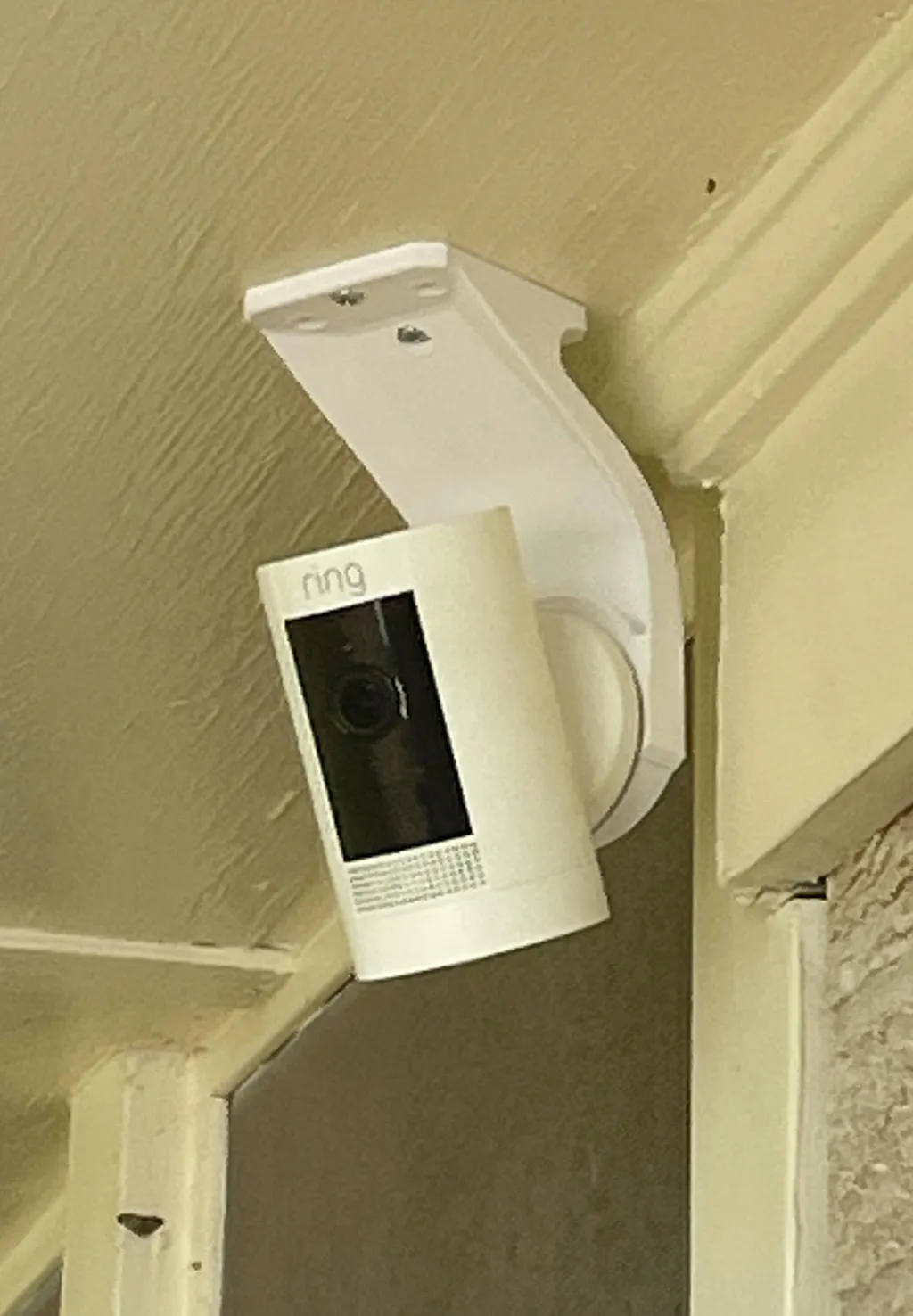
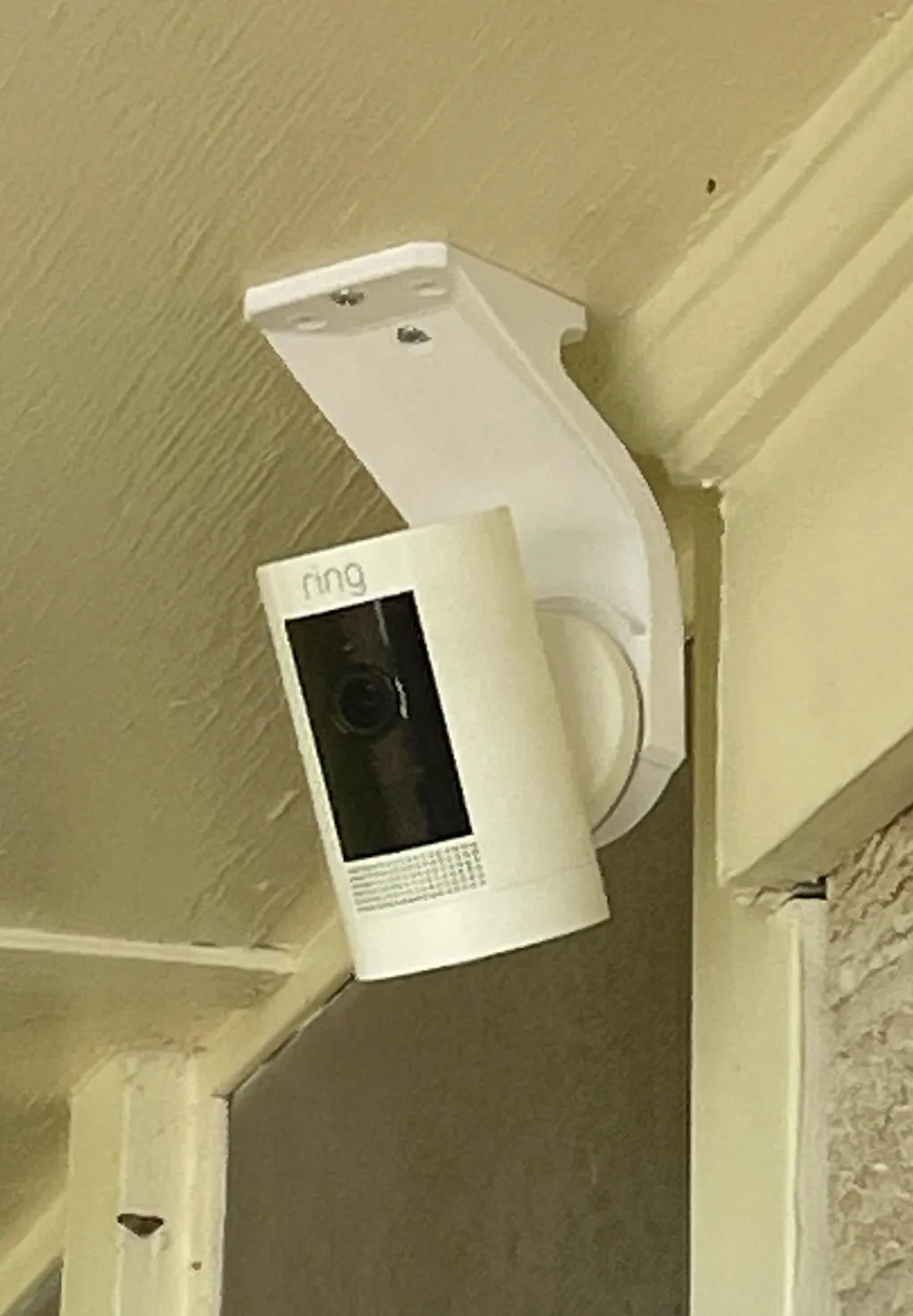
This item is 3D-printed in durable PETG via FDM. Do not install in locations where surface temperatures may exceed 55°C (131°F). Because this product is 3D-printed, it may show subtle layer lines or small surface imperfections. These cosmetic variations are normal and do not affect function or performance.
It is not ETL or UL-listed and should not be used in applications where certified components are required by code. For those situations, we recommend using common off-the-shelf (COTS) parts. Our responsibility is limited exclusively to the replacement of any defective product. We are not liable for incidental, consequential, or indirect damages arising from use or misuse of this item.
RING Soffit / Ceiling Mount for Stick Up Cam
Regular price
$14.95
Couldn't load pickup availability
Mount your Ring Stick Up Cam under soffits, eaves, ceilings, or shelves.
FEATURES
- Curved design adds strength while providing a sleek look.
- Three concentric mounting holes let you install aligned or at 45 degrees with the stud.
- A thicker cross-section along the center screw offers better stability.
INCLUDED WITH THE MOUNT
- 2x #4x3/8 self tapping screws
- 2x #8x1-1/2" self-tapping screws
INSTALLATION INSTRUCTIONS
- Secure the mount to the soffit using the center hole and a #8x1-1/2" screw.
- Rotate the mount to the desired angle and use any of the three outer mounting holes to attach the mount to the soffit. 2 screws are enough.
- Install the Ring Stick Up Cam backing plate to the mount.
- Slide the camera in place, and you're done.
Need assistance? Please provide a photo.
Ring Stick Up Cam not included.